Design Systems That Scale: From Tokens to TypeScript
6/23/2026 • RiseGravity Team
A design system is a product, not a folder of components
Most teams think they have a design system. What they usually have is a components folder, a Figma file that's drifted from the code, and three slightly different buttons. A real design system is a product—with users (your developers and designers), a contract (tokens and component APIs), documentation, and governance to keep it alive. Built right, it makes the consistent, accessible, on-brand thing the easiest thing to ship; built wrong, it's a tax everyone routes around.
We've built and applied design systems across products—from the cohesive brand identity and Tailwind-mapped design tokens behind Risto Innovates to the characterful, motion-rich UI of radanliev.com. This is how to make one that scales instead of rotting.
Key takeaways
- Tokens are the foundation—name decisions, not values.
- Component APIs are a contract—design them for composition, not configuration.
- Accessibility is built in, never bolted on.
- Theming falls out of tokens when the layering is right.
- Governance is what keeps the system from dying.
Layer 1: Design tokens
Tokens are named design decisions—the single source of truth for color, spacing, typography, radius, shadow, and motion. Instead of #4f46e5 scattered across 200 files, you have color.brand.primary, defined once. Change it there, and every product updates.
The key insight that makes tokens scale is layering them by purpose:
- Primitive (global) tokens — the raw palette:
blue.600 = #4f46e5,space.4 = 1rem. No meaning, just values. - Semantic (alias) tokens — decisions that reference primitives:
color.action.primary = blue.600,color.text.muted = gray.500. Components use these. - Component tokens — optional, for specific components:
button.primary.bg = color.action.primary.
// Primitive → semantic → component. Components reference semantic tokens,
// so rebranding or theming changes one layer, not every component.
const primitive = { blue600: "#4f46e5", gray500: "#6b7280", space4: "1rem" };
const semantic = {
colorActionPrimary: primitive.blue600,
colorTextMuted: primitive.gray500,
spaceMd: primitive.space4,
};
Because components reference semantic tokens, a rebrand or a dark theme is a change to one layer—not a find-and-replace across the codebase. This is exactly how a Tailwind setup scales: map your tokens into tailwind.config.js (as the primary palette, spacing scale, etc.) so utility classes are the design system rather than fighting it.
Layer 2: Component APIs as a contract
Components are where a design system meets real product work, and the most common failure is the boolean prop explosion: isPrimary, isLarge, isLoading, isDanger, isOutline… until nobody can tell which combinations are valid. The API has become a configuration surface instead of a contract.
Two principles fix this:
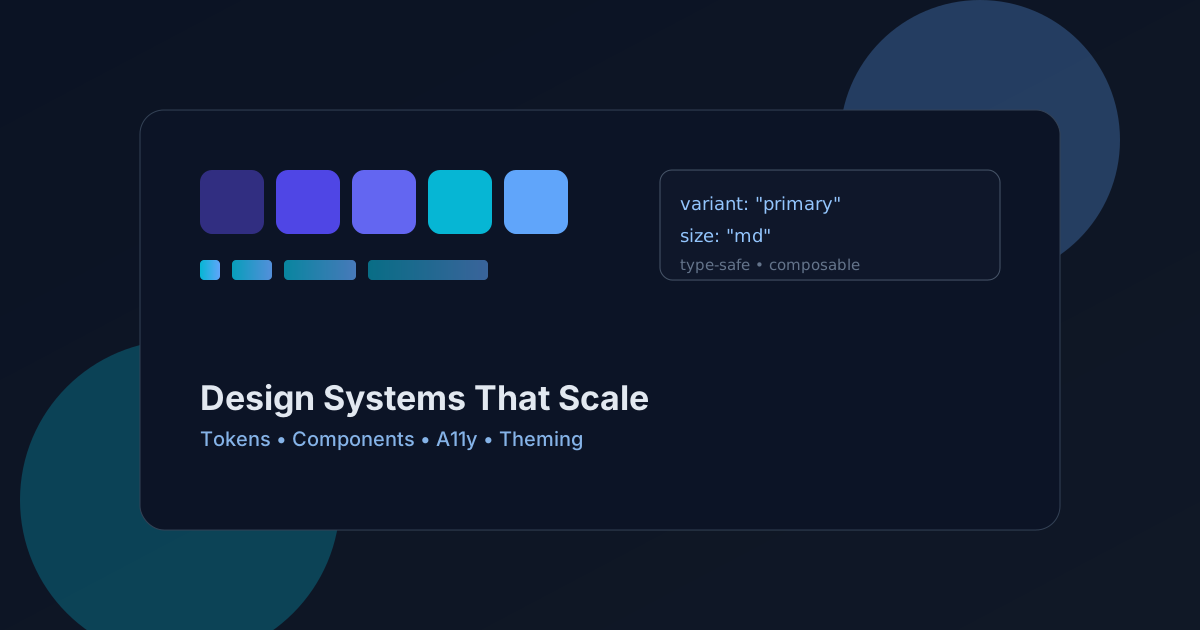
Prefer variants over booleans. A single variant and size prop with a fixed set of values is clearer, type-safe, and impossible to mis-combine:
type ButtonProps = {
variant?: "primary" | "secondary" | "ghost" | "danger";
size?: "sm" | "md" | "lg";
// ...standard button attributes
};
Prefer composition over configuration. Instead of a Card with twenty props to control every slot, expose composable parts the consumer arranges:
// Composition: the consumer controls structure; the system controls style.
<Card>
<Card.Header>Plan</Card.Header>
<Card.Body>Everything in Pro, plus…</Card.Body>
<Card.Footer><Button variant="primary">Upgrade</Button></Card.Footer>
</Card>
Compound components like this scale far better than a god-component with a prop for every scenario—the system owns the styling and behavior; the product owns the arrangement.
Type everything. TypeScript turns your design system into a contract the compiler enforces. Autocomplete shows the valid variants; an invalid prop is a build error, not a production bug. This is the "to TypeScript" half of the title—types are how a design system stays consistent across many developers who never read the docs.
Layer 3: Accessibility is non-negotiable
Accessibility built into the system is accessibility every product gets for free. Bolted on later, it's a backlog nobody finishes. Bake it into the primitives:
- Color tokens that meet WCAG contrast (4.5:1 for body text) by construction—so no product can accidentally ship unreadable text.
- Focus states on every interactive component, visible and consistent.
- Keyboard navigation and correct ARIA in interactive primitives (menus, dialogs, tabs)—use a headless accessible library for the hard ones rather than reinventing a combobox.
- Respect
prefers-reduced-motionin your motion tokens and animation utilities (a principle we cover in UX Motion that Respects Users). - Semantic HTML under the hood—a
Buttonrenders a<button>, not a clickable<div>.
Accessibility and good design aren't in tension; a system that enforces both makes "accessible by default" the path of least resistance.
Layer 4: Theming and multiple brands
Once tokens are layered, theming is almost free. A theme is just a different mapping of semantic tokens to values. Dark mode swaps color.bg and color.text; a second brand swaps the palette—components don't change at all because they only ever referenced semantic names.
:root { --color-bg: #ffffff; --color-text: #0b1324; }
:root.dark { --color-bg: #0b1324; --color-text: #e2e8f0; }
/* Components read var(--color-bg); the theme decides the value. */
CSS custom properties are the natural runtime carrier for this—set them on a root element and the whole tree re-themes with no re-render gymnastics. If you sell white-label or multi-brand products, this layering is what makes "a new brand" a config file instead of a fork.
Layer 5: Documentation and adoption
A design system nobody can find is a design system nobody uses. Documentation is part of the product:
- Living docs (Storybook or similar) showing every component, its variants, props, and accessible usage—rendered from the real code so they can't drift.
- Do/don't examples that teach intent, not just API.
- Copy-paste-ready snippets so the fast path is the right path.
- Design-to-code parity: the Figma library and the code library share token names, so a designer's "primary action" and a developer's
variant="primary"are the same thing.
Adoption is a feature. If using the system is slower than rolling a one-off, developers will roll the one-off—and your consistency erodes one shortcut at a time.
Layer 6: Governance—how systems stay alive
This is the part teams skip, and it's why most design systems quietly die. A system is a living product and needs ownership:
- A clear owner (a person or small guild) responsible for the system's health.
- A contribution path—how a product team proposes a new component or variant, and how it gets reviewed and promoted into the system.
- Versioning and changelogs so consumers can upgrade deliberately (semantic versioning; deprecate before you delete).
- Usage metrics—which components are adopted, which are ignored (and should be cut), where teams are working around the system (a signal it's missing something).
Governance turns a snapshot into a system that compounds: every product that adopts it makes the next one faster.
A maturity checklist
- Tokens layered primitive → semantic → component; components use semantic tokens.
- Tokens mapped into your styling layer (e.g.
tailwind.config.js). - Component APIs use variants + composition, not boolean soup; fully typed.
- Accessibility (contrast, focus, keyboard, ARIA, reduced motion) built into primitives.
- Theming via semantic-token remapping and CSS variables.
- Living documentation rendered from real code; design-to-code token parity.
- Clear ownership, contribution path, versioning, and adoption metrics.
Adopting a system in an existing product
Most design-system work isn't greenfield—it's bringing order to a product that already has three button styles and a stylesheet nobody fully understands. A big-bang rewrite almost always fails; incremental adoption almost always wins. The sequence that works:
- Audit what exists. Inventory the real UI—every button, input, color, and spacing value actually in use. You'll find dozens of near-duplicate values that should collapse into a handful of tokens. This audit is your token spec.
- Define tokens from reality, then rationalize. Extract the colors and spacings in use, then consolidate them into a clean, layered token set. Resist designing in a vacuum—anchor the system in what the product needs, then improve it.
- Map tokens into the styling layer first. Wiring tokens into
tailwind.config.js(or CSS variables) is a low-risk change that immediately makes the right values the easy ones, before you touch a single component. - Replace components by traffic, not by folder. Build the new
Button, then swap it in on the highest-traffic, highest-value surfaces first. Each replacement is small, shippable, and reversible—no scary mega-PR. - Make the old path harder than the new one. Lint against raw hex values and one-off spacings; document the new component as the default. Adoption follows the path of least resistance, so make the system be that path.
- Track adoption and prune. Measure where the new components are used and where teams still roll their own. The latter tells you what the system is missing—feed it back into the roadmap.
Done this way, a legacy product converges on consistency without ever stopping to "do the design system," and the system earns trust by making each migration visibly easier than the last.
Frequently asked questions
What's the difference between a component library and a design system? A component library is the code (the buttons and inputs). A design system is the whole product around it: tokens as the source of truth, accessible component APIs, theming, documentation, and governance. The library is one layer of the system, not the system itself.
Why use design tokens instead of just CSS variables or Tailwind values? Tokens add a layer of meaning and a single source of truth across platforms. Layering them (primitive → semantic → component) lets you rebrand or theme by changing one layer instead of editing every component—and you can map tokens into CSS variables and Tailwind so you get both meaning and ergonomics.
How do I avoid the boolean-prop explosion in components?
Replace many booleans with a small set of variant and size props (typed as unions), and prefer composition—compound components with sub-parts—over a single component configured by dozens of props. The API becomes a clear contract instead of a maze of invalid combinations.
How do I keep a design system from dying after launch? Treat it as a product with an owner, a contribution and review process, versioning with deprecation policies, and adoption metrics. Governance—not the initial build—is what keeps a system consistent and used as products and teams multiply.
Build a system your whole product line can stand on
A design system that scales is the difference between shipping fast and consistently versus picking one. Tokens, typed component contracts, accessibility, theming, docs, and governance—get the layers right and every new product starts ahead. If you want to build or rescue a design system, see our Projects, read Technical SEO for React SaaS and UX Motion that Respects Users, or reach out at contact@risegravity.com.