
A free guide
Why people call the next business instead of you
5 things to check on your website in 5 minutes.
When someone needs a plumber, a dentist or a mechanic, they search, open two or three sites, and call the first one that makes it easy. These five things decide whether that's you.
Free. 4 pages, no sign-up.
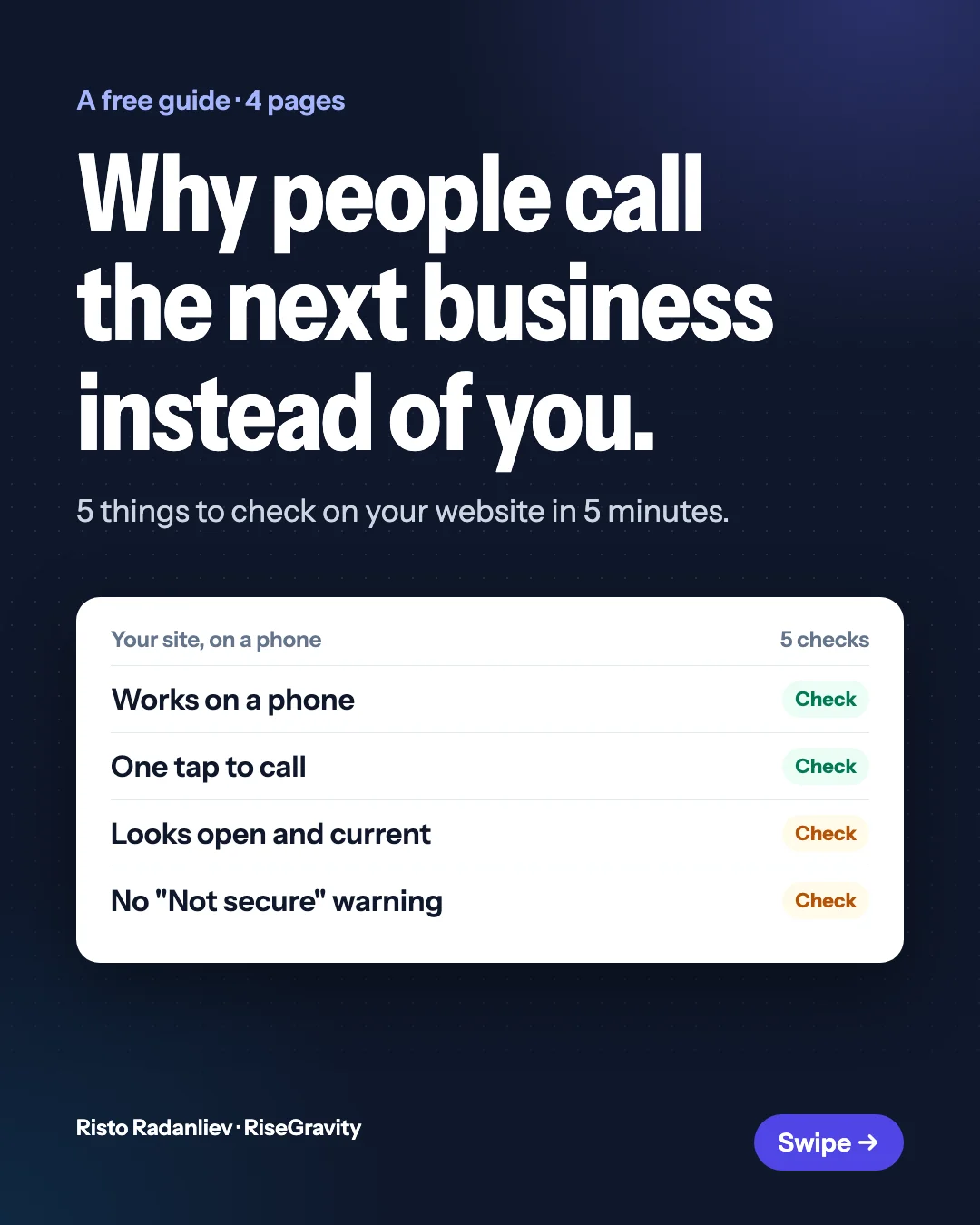
It works on a phone
Open your site on your phone. If you have to pinch or zoom to read it, most people won't bother. They go back and tap the next result.
Check: the text is readable without zooming, and the buttons are big enough for a thumb.
One tap to call, one form to ask for a price
People who are ready to buy want to act now, often in the evening. Your phone number should be a button at the top of the page. There should also be a short form to ask for a quote or book, so a visitor at 9 pm can still reach you.
Check: open your site on your phone. Can a visitor call you with one tap, and ask for a quote without calling?
It looks open and current
An old year in the footer, photos from years ago or "news" that stopped in 2019 all make people wonder whether you're still in business.
Check: the year at the bottom, your hours, and your photos.
The browser doesn't warn people off
If the address bar says "Not secure", people won't type their name and number into your form. Turning on HTTPS is usually free from whoever hosts your site.
Check: look at the address bar on your site. You want a padlock, not "Not secure".
The first screen answers their three questions
People arrive with three questions: what do you do, do you work where I am, and how do I get a price? If the first screen doesn't answer all three, they keep scrolling or leave.
Check: show your homepage to a friend for 5 seconds, then ask them those three questions.
Want us to check yours?
Reply to the email, or leave your site below, and we'll send the 3 things we'd fix first on your site. Free, no call needed.